
Get FP&A best practices, research reports, and more delivered to your inbox.
{callout}
TL;DR
- Claude Cowork lets finance teams run multi-step, cross-system workflows that go well beyond a basic chat interface
- MCP (Model Context Protocol) connects Claude directly to your existing stack—ERP, FP&A tool, Slack, and more—so it can read, write, and act on real data instead of just analyzing what you paste in
- Rather than replacing their existing tools, finance teams are leveraging Claude to get more out of their tech stacks
{/callout}
Vibe coding in finance has hit a fever pitch. Teams have an insatiable appetite for using tools like Claude to spin up apps, automate workflows, and push the boundaries of what they can build without engineering support.
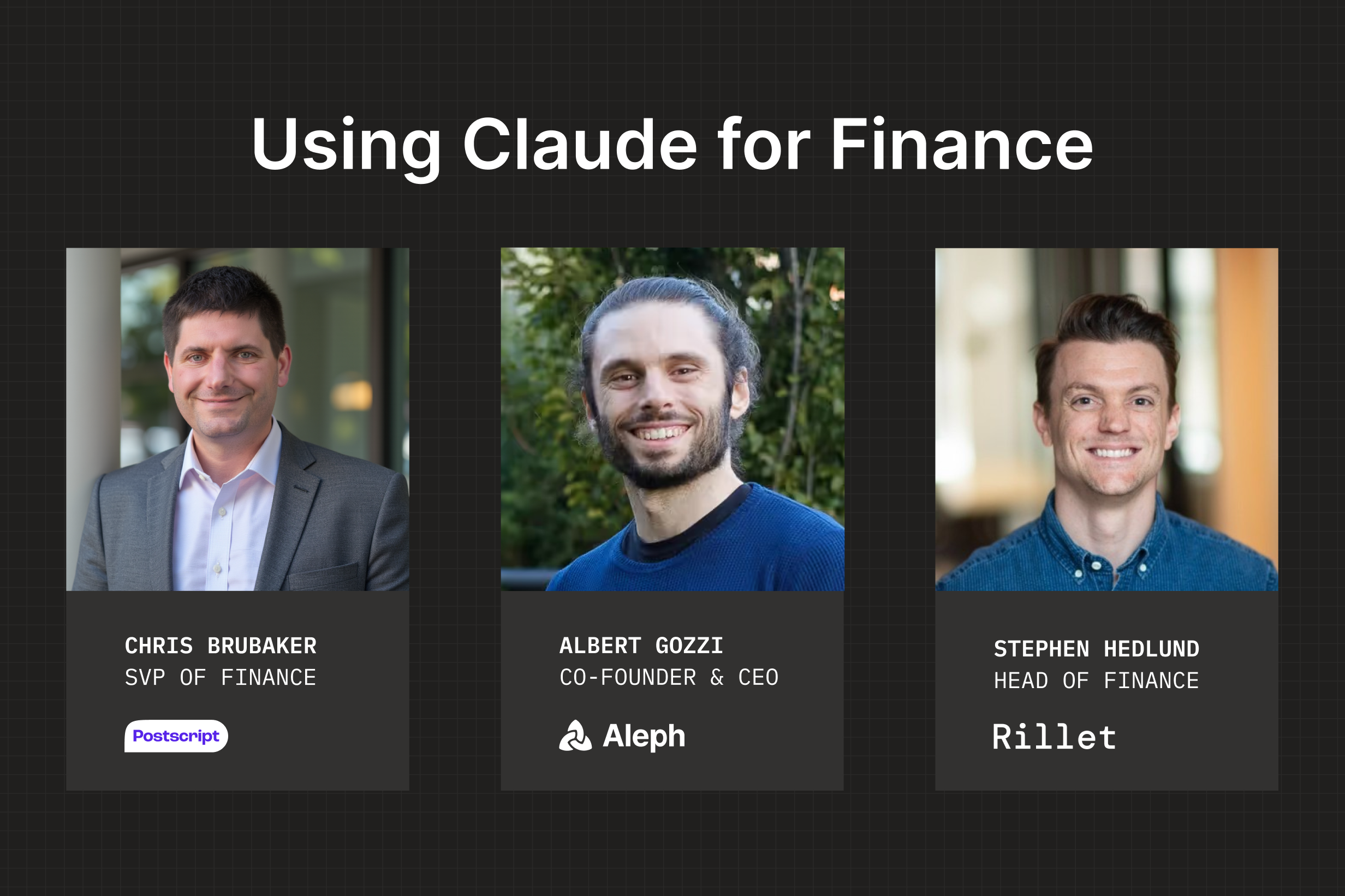
We’re just as excited as you are. So we followed up our Vibe Coding in Finance session with a sequel: Claude for Finance, featuring Chris Brubaker (SVP of Finance, Postscript), Stephen Hedlund (Head of Finance, Rillet), and Aleph Co-Founder and CEO Albert Gozzi.
The first session was about the framework—what to vibe code and how far to take it—while this one was about the workflows. Real demos, real tools, real finance data.
Here are some of the highlights.
Claude Cowork: finance teams’ new sandbox
Most AI workflows in finance are one-dimensional: copy data in, ask a question, copy the answer back out.
Claude Cowork takes it to the next level. Instead of reacting to a single prompt, it can work through multi-step tasks across files and systems. Point it at a folder, give it access to the underlying data, and let it run.
It’s already become part of Chris's daily routine.
From a single prompt and a couple CSV files, Claude built a full budget-vs-actuals breakdown—P&L categories, dollar variances, percent variances, full-year 2025.
It’s the kind of task every finance team runs constantly. The difference is how little friction it takes to get there.
And once you start thinking this way—less “what can I ask AI?” and more “what can I delegate to it?”—the possibilities expand quickly.
Build together as a team
Spend enough time in Cowork and you’ll eventually build something worth sharing.
That’s where Artifacts come in. These are shareable, interactive outputs that those on the same Teams plan can access directly.
Not every tool you build needs to stick around. As Albert talked about during the Vibe Coding in Finance webinar, much of the time you’ll build something, use it once, then move on.
But every so often, something has staying power. And when it does, Artifacts make it easy to turn it into a tool your team can use, revisit, and build on.
Automate recurring reports
Cowork can pull in your data, build analyses, and package the output for your team.

It can also run these workflows itself. Seriously.
Chris set up a scheduled task in Claude that posts a daily digest to his FP&A Slack channel every morning.
Think about all the time this could save your team. When they open their laptop in the morning, the drafted report is already waiting for them. All they have to do is sanity-check, maybe make a tweak or two, and send it off.
Connect Claude to your tech stack
These capabilities are impressive, but they’re limited in isolation. AI is at its best when it has context—access to the systems your team already uses and the associated data.
That’s where MCP (Model Context Protocol) comes in. It’s what allows Claude to plug into your stack—your ERP, planning tools, collaboration platforms—and work with live data instead of static exports.
One of the biggest “aha” moments from the session was seeing how Chris has set this up.
Through MCP, he’s connected Claude to Rillet (his ERP), Gamma (for presentations), GitHub (for saving code), and Granola (for call transcripts). More importantly, he’s mapped that data to match how his team already thinks about the business in Aleph.
So when he asks a question, Claude isn’t starting from scratch. It’s working off the same structure, definitions, and context his team uses every day.
But even advanced users like Chris aren’t replacing their tech stack with Claude. Instead, it’s extending the functionality of his existing tools. Purpose-built software like Aleph and Rillet handles the production-grade workflows, while Claude allows for ad hoc analysis, strategic exploration, and quick-turn automation.
Going deeper: cohort analysis with Claude Code
Albert then showed what happens when you push into more advanced territory. Using Claude Code (the terminal-based interface), he built a cohort analysis tool from scratch using subscription data from a fictional direct-to-consumer company.
There’s an important constraint here. Claude’s web app has a 32MB file upload limit, which can become a bottleneck pretty quickly with real datasets.
Claude Code sidesteps that entirely by working with files in a local folder. It’s similar to Cowork, but better suited for larger, more iterative builds.
This is a good representation of the vibe-coding lifecycle: quickly moving from concept to working tool, then continued iteration from there.
Just start building
The gap between "I've heard of Claude" and "Claude is a key part of my daily work" is smaller than you think. The technology is new for everyone. The real differentiator isn't technical know-how—it's a willingness to get your hands dirty and start experimenting.
Here a few resources to help you get started:
Get FP&A best practices, research reports, and more delivered to your inbox.